1. Supported : Personal PC, mobile, and Windows/Mac OS available
- Not supported: expelled students, graduates, retired faculty and staff, and those who exceeded the capacity limit
※ Before changing to an unsupported status, it is necessary to organize the relevant Microsoft account.
2. Function
- You can install the latest MS Office apps on up to 5 devices including PCs and mobile devices with one account.
- Cloud storage provided (OneDrive: 1GB)
3. How to use
- Web: Portal → AjouO365 (No separate MS login required)
- Microsoft 365 apps (Word, Excel, PowerPoint, etc.): Can be used the same as on the web screen, login required (if not, a message asking for product authentication will appear)
4. How to install the app
1) Portal → AjouO365 → [Install, etc.] → [Install Microsoft 365 App]
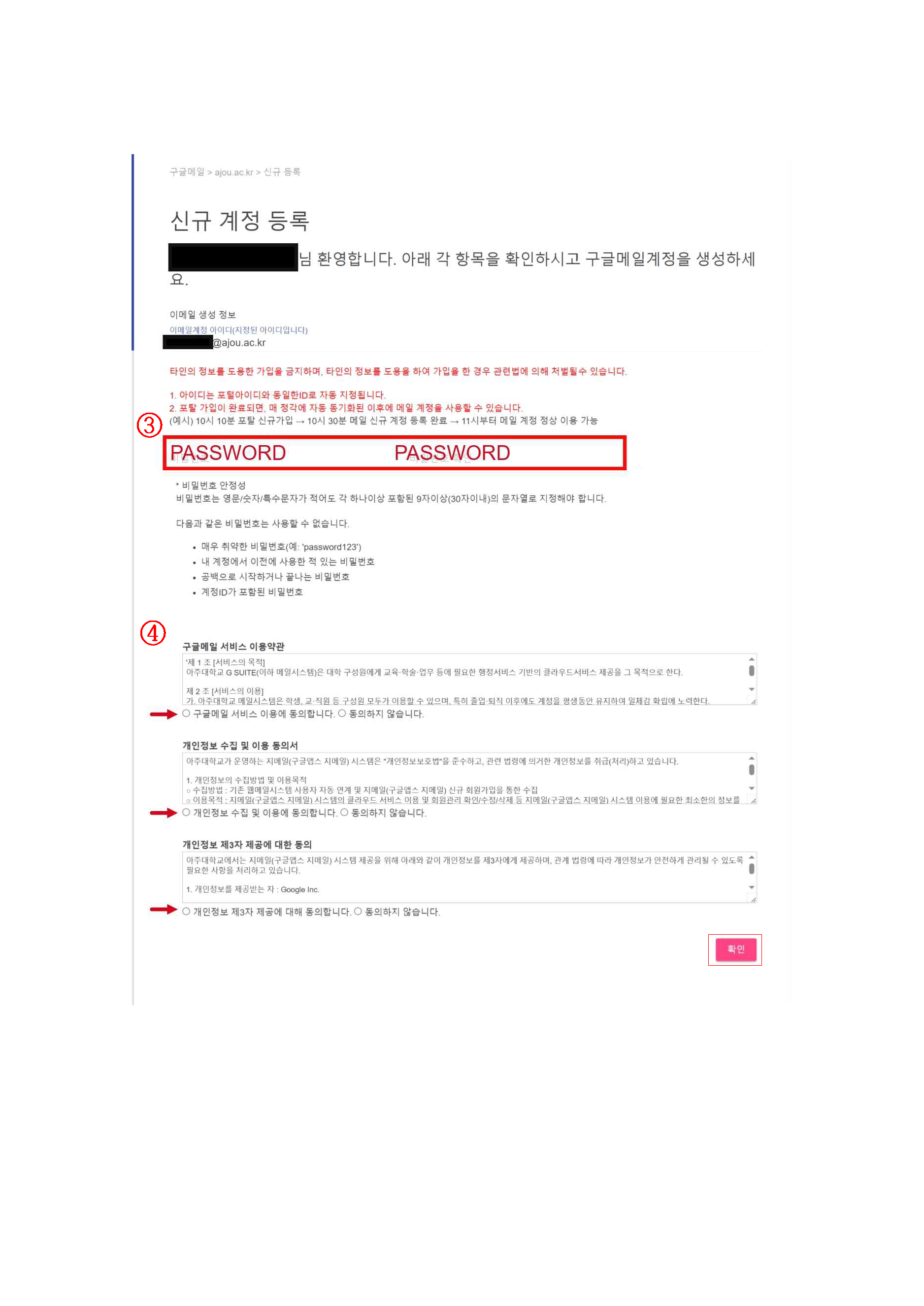
* Initial registration is required using a school email account (@ajou.ac.kr), and password is not synchronized with the portal.

2) On the Apps and Devices screen, click [Install Office] → Run the downloaded OfficeSetup.exe file to install.

5. Inquiry
- Technical Support: 'MS Community - Microsoft 365' After checking the existing questions, if there are none, use [Ask a new question >] in the upper right corner.
- Unable to connect, password reset, etc.: or email inquiry (aiscenter@ajou.ac.kr)
 아주댶ÄÇê™교 국제댶ÄÇê™원